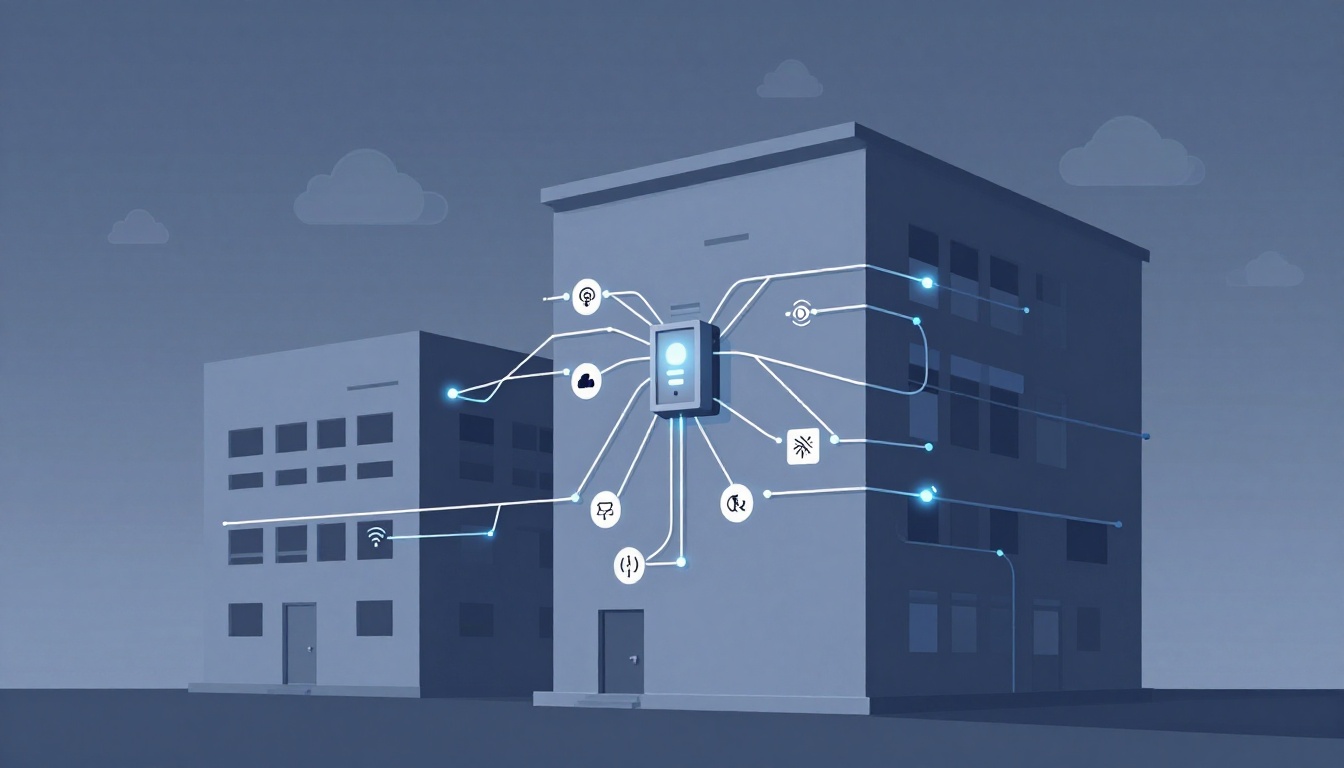
Imagine a break-in at night. Someone opens a door on the first floor, and alarms respond instantly across the building. That speed happens because alarm systems are connected in a planned way, not by luck.
When you understand how alarms connect, you can spot weak spots, plan for upgrades, and choose equipment that matches your building. It also helps you avoid false alarms and downtime when something gets moved, wired wrong, or fails.
Alarm connections can be wired, wireless, or hybrid. Larger buildings often add networking panels and connect alarms to building systems. In 2026, many setups also use AI, cloud services, and faster monitoring paths to reduce false alerts and speed up response. Next, you’ll see how the control panel ties everything together.
The Control Panel: Your Alarm System’s Command Center
The alarm control panel is the brain of the system. It watches every sensor and control device, then makes decisions fast. Think of it like a traffic cop at a busy intersection. When one lane changes, the whole flow adapts.
Most buildings use devices like door contacts, motion detectors, glass-break sensors, and sirens. All of those connect back to the panel through one or more circuits. The panel constantly checks for changes, like a new open contact state or a motion event. It also watches wiring health, so it can detect tampering or faults.
To organize coverage, panels divide the building into zones. A zone can map to a floor, a wing, or even a single area like “Loading Dock Doors.” When something triggers, the panel reports the zone, which helps security respond faster.
In larger systems, you may also see addressable loops, like SLC (signaling line circuits). Instead of only telling the panel “Zone 3 tripped,” an addressable loop can tell you “Device 128 on Loop B triggered.” Each device gets a unique ID, so locating the problem gets much more precise.
If you want a concrete view of how SLC wiring works, review SLC wiring manual details. It shows the wiring logic and limits installers plan around.
Why Zones and Loops Make Big Buildings Safer
In a multi-floor office or a warehouse, zones act like a simple map. If a sensor trips, the panel can tell responders where to look first. That alone reduces response time.
Addressable loops go one step further. On a conventional zone system, one trouble spot can mean a broad search. With addressable loops, the panel knows which device sent the signal. As a result, technicians troubleshoot faster, and false alarm investigations become less messy.
Addressable loops also support long runs. Depending on panel design, you can often span large areas on a single loop without losing monitoring. Just as important, the panel still supervises the line. If someone cuts or tampers with the circuit, the system can report a fault instead of staying silent.
For example, an office building might use zones per floor. A warehouse might use zones by bay sections. Meanwhile, the sensors on each loop can pinpoint the exact door contact or detector location, even when the building has dozens of devices.
Wired Connections: The Tried-and-True Backbone
Wired alarm systems connect devices using low-voltage copper wiring. Installers route those cables from sensors back to the panel, creating circuits that the panel can supervise. In many designs, wiring forms either a daisy-chain style path or a star-style return.
When wiring links are healthy, the circuit signals normally. If a wire gets cut, shorted, or tampered with, the panel detects the trouble state. That makes wired systems reliable because they depend on physical paths and supervision.
Common pros include:
- Fewer “it didn’t reach the panel” issues
- Clear supervision for open faults and trouble states
- Less reliance on batteries for day-to-day operation
Still, wired systems have downsides. Installation takes longer, and you need wall runs, cable trays, or raceways. For retrofits, that can raise labor costs and disrupt occupants.
Wired setups also show up in enterprise buildings where power and data travel together through established infrastructure. In those cases, the alarm panel may integrate with other systems over standard networks, not just local wiring.
If you’re weighing options, this guide explains the core differences in plain terms: wired vs wireless alarm systems.
Series vs Parallel Wiring: Which Fits Your Setup
Series wiring means one continuous path. If the circuit breaks, the entire loop can fail. However, that break often also shows up clearly as a trouble or tamper condition. This setup can work well where you want strong “break detection” across related devices.
Parallel wiring gives multiple paths. If one section fails, the other paths may still operate. That can add redundancy, especially when you have many device locations spread across a layout.
Pick based on layout and fault tolerance goals. For example:
- Series can suit a run of door contacts in a controlled hallway layout.
- Parallel can fit sprinkler zones or paths that must keep coverage even if a segment gets damaged.
Your installer’s design choices matter. The same building can end up with different wiring strategies in different wings, based on how walls, ceilings, and access routes were built.
Wireless and Hybrid Options: Easy Upgrades Without the Mess
Wireless alarm systems connect sensors to the panel using radio signals. Devices send events to a receiver, which then reports to the control panel. This approach can reduce construction work, since you don’t need to pull cable everywhere.
Wireless options often use batteries. Many modern sensors aim for long battery life, but the system still supervises signal health. If a device stops reporting, the panel can flag trouble so you can replace batteries early.
Hybrid systems combine both worlds. They keep wired connections where reliability matters most. At the same time, they add wireless devices where running cable is hard or expensive. This model fits common real-world needs, like older buildings, tenant improvements, and spaces with high ceilings.
In large retail and office settings, wireless also helps with ongoing changes. When walls get moved, you can often relocate sensors without major rewiring. Meanwhile, the panel keeps event history so security can still review what happened.
In 2026, wireless designs also benefit from better networking. More systems use mesh-style behavior, where devices can relay messages. That helps signals cross floors and reach areas with obstacles.
How Wireless Signals Stay Strong Across Floors
Radio signals weaken with distance and barriers. Floors, metal ducts, thick concrete, and elevators all block or reflect signals.
To handle that, wireless systems use tools like:
- Repeaters or receivers placed at key spots
- Mesh networking that “hops” signals through nearby devices
- Battery-powered devices that still send periodic check-ins
Interference also matters. Wi-Fi, cellular, and other RF noise can affect wireless performance in some areas. A well-designed setup accounts for that during planning, then monitors link quality after install.
In addition, wireless platforms often push alerts to phones. That means you might get a notification even if the local siren isn’t heard. However, you still want a solid local alarm response plan, especially for fire and life safety.
Wired still has an edge in consistency. Still, wireless can be more practical when you can’t tear open walls.
Networking Panels, BMS Integration, and Sending Alerts Farther
In bigger buildings, a single panel may not cover everything. So systems may use multiple panels across wings or floors. Then they connect through networking like Ethernet or other IP-based links. The result is shared events, shared status, and faster decision-making across the campus.
The alarms can also integrate with a building management system (BMS). That matters when you need coordinated actions. For example, during a fire event, the system might trigger mass notification, adjust equipment behavior, and support occupant safety workflows.
Many BMS integrations use common building protocols. Depending on the building, the alarm system can interact with HVAC controls, door states, and monitoring tools.
For monitoring, modern setups also use multiple communication paths. Instead of depending on one landline, systems may use IP plus cellular backup. That improves uptime, especially during outages.
Top Protocols That Make Systems Talk Seamlessly
Protocols are the “language rules” that let different systems share data. In practice, you might see:
- BACnet for BMS device communication
- Modbus for industrial-style sensor and control data
- LonWorks for building automation networking
- IP/Ethernet for general alarm and monitoring connectivity
If you want a clearer comparison of BACnet, Modbus, and LonWorks, see BACnet, Modbus, and LonWorks. It breaks down how these protocols differ.
2026 Trends: AI, Cloud, and 5G Taking Over
Modern alarm tech is moving toward smarter detection and better reporting. In 2026, many systems use AI-powered threat detection. Instead of treating all motion as the same risk, AI can help reduce false alarms by analyzing patterns and video cues.
Cloud connections also play a bigger role. Rather than storing everything only on local hardware, some platforms keep event logs in the cloud. That supports remote access for managers and helps protect records if equipment gets damaged.
Wireless networks keep improving too. Mesh designs help devices stay connected across complex layouts. Meanwhile, faster connectivity options like 5G can support more reliable monitoring and quicker app alerts.
Finally, the trend is toward unified platforms. Alarms, access control, video, and reporting can work from shared data, so your team gets a cleaner picture when something happens.
Conclusion
Alarm systems connect across a building through a chain of communication: sensors to a supervised control panel, then zones and loops that help locate issues fast. From there, wired or wireless tech carries signals reliably to local alarms, networked panels, and sometimes the BMS.
If you’re planning upgrades, match the connection method to your building size and risk. Hybrid and networked designs often fit large spaces best, because they balance reliability with flexible coverage.
Start by mapping your zones and checking how your loops, circuits, or wireless links perform today. Then talk with a certified installer about where you need more supervision or better device placement.
Because the goal stays the same, every time: fewer surprises, faster response, and peace of mind when it matters most.