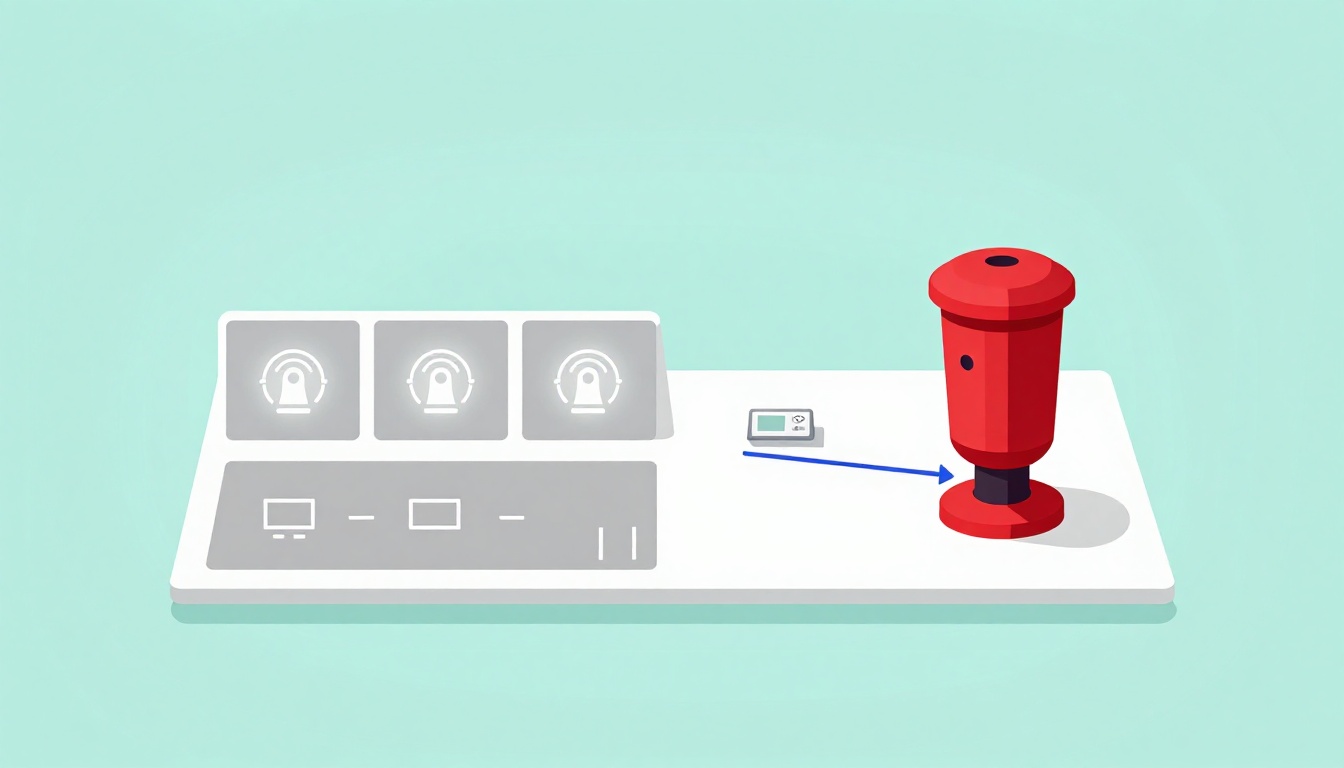
Last week, a fire alarm went off in a busy office. The panel showed a general zone, so people looked around for the cause. That delay felt like minutes, even if it was seconds.
That’s the real difference between addressable and conventional fire alarm systems. One option tells you where to look. The other shows you the exact device that triggered.
If you manage a building, you’ve probably wondered which setup makes sense for your smoke detectors, control panel, and reporting needs. And if you’re trying to follow NFPA standards, the stakes get even higher.
Here’s the roadmap: first, you’ll see how conventional systems work (and why they can cost time). Next, you’ll learn how addressable systems pinpoint the source. Then, you’ll get a clear comparison table and practical guidance on costs, best uses, and March 2026 trends.
How Conventional Fire Alarm Systems Work and Where They Fall Short
A conventional fire alarm system groups your building into zones. When a detector or pull station trips, the control panel lights up the zone number. It does not identify which specific device started the alarm.
Think of it like a parking lot divided by sections. If a car alarm goes off, you know the section. You still have to walk around to find the exact car.
Most conventional layouts use wiring that runs through the building in straight lines or loops. Your initiating devices (like smoke detectors and manual pull stations) connect to an initiating device circuit (IDC). When an alarm happens, the panel reports the zone state.
To understand the basics, it helps to review how fire alarm systems are supposed to be installed and maintained. NFPA’s overview of fire alarm basics is a good starting point: NFPA fire alarm system basics.
Here are common parts you’ll see in a conventional design.
One quick snapshot of what a conventional system typically includes:
| Component | What it does | What the panel shows |
|---|---|---|
| Basic control panel (FACP) | Runs system logic and supervision | Which zone is in alarm |
| Initiating device per zone | Smoke detectors, heat detectors, pull stations | “Zone X alarm,” not “Device Y alarm” |
| Notification appliances | Horns, strobes, or bells | Alarm mode for the building or zone |
Conventional systems can work well in small spaces. Still, their limits show up fast when your building is complex.
Common shortfalls include:
- Slower pinpointing during busy hours, because staff must search the zone.
- More whole-zone trouble when wiring issues happen, since faults can affect larger areas.
- Higher nuisance alarm costs, since your team spends more time investigating.
Here, a simple store with one hallway zone might be fine. But in a multi-floor school, delays add up.
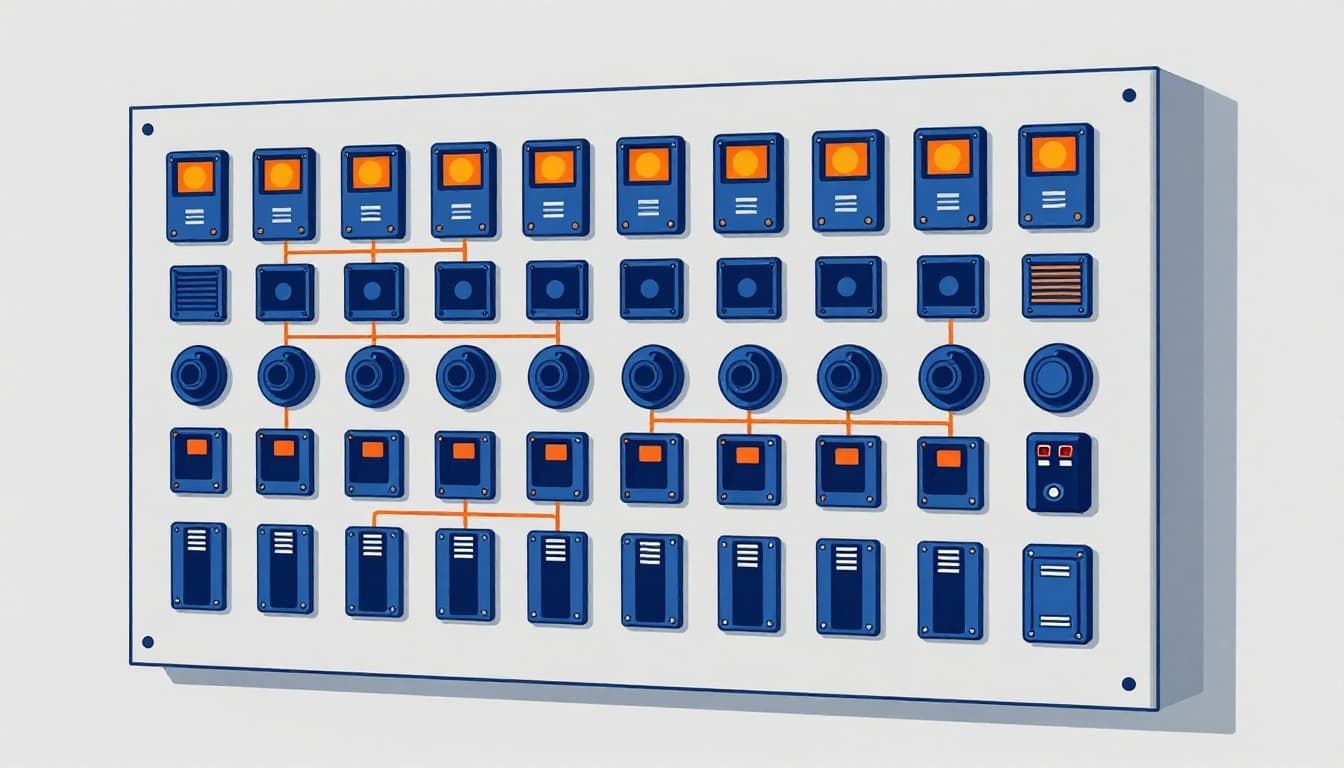
Core Components of a Conventional Setup
Conventional systems keep things straightforward. The control panel mainly answers two questions: Is there trouble? and Is there alarm in this zone?
First, the control panel supervises the system. It watches the circuits for open or short wiring problems. It also tracks whether a zone is normal, trouble, supervisory, or in alarm.
Next come the initiating device circuits (IDCs). These circuits connect smoke detectors and pull stations to the panel. When an initiating device activates, the circuit changes state. Then the panel flags the zone.
Finally, the system uses notification devices like horns and strobes. Your design determines whether those notifications trigger for the whole building or per zone.
Even the language is simpler in conventional systems. Zones are the “map,” not individual device addresses. If you add devices later, you often need changes to wiring and zone assignments.
Here’s a simple way to compare what you get from the panel.
| Feature | Conventional | Addressable (how it differs) |
|---|---|---|
| Location info | Zone only | Exact device location |
| Troubles | Often broad (zone-level) | Fault isolation at the device level |
| Device identification | Not unique to each detector | Unique address per detector/module |
If you’re deciding what fits your facility, it helps to ground your plan in code compliance. For a practical explanation of NFPA 72 installation and maintenance expectations, see: NFPA 72 fire alarm standards.
Everyday Pros and Hidden Drawbacks
Conventional systems can be a smart choice when your building is simple. They’re common in small offices, small retail spaces, and other setups where zones can stay small.
Why do people like them? Usually for three reasons:
- Lower upfront cost for basic monitoring.
- Simpler installation for straightforward floor plans.
- Easy understanding for on-site teams who just need zone alerts.
However, the hidden drawbacks often show up after installation, especially during inspections and real emergencies.
When the panel only tells you the zone, you still have to interpret the situation on the ground. That means your team may check rooms in a hallway, then re-check them if the alarm resets.
Also, when you expand a building later, conventional wiring changes can get messy. You might need to reclassify zones or re-run circuits so the new devices fit your existing layout.
Here’s a realistic example: a store manager works late and hears “Zone 3 trouble.” They don’t know if it’s a single detector with dust buildup or a wiring fault. So they test devices one by one, which adds labor time and downtime.
In short, conventional systems trade precision for simplicity. For many small projects, that trade is acceptable. For larger or faster-paced spaces, it can become expensive in time, stress, and repeated investigations.
The Smarter Choice: Inside Addressable Fire Alarm Systems
An addressable fire alarm system gives each initiating device a unique identity. Instead of reporting “Zone 3,” it can report something like “Smoke Detector 127 in Room 205.”
That matters because response teams can act faster. They don’t waste time scanning every room in the zone.
Addressable systems commonly use loop-based communication. Each device talks to the control panel through a supervised signaling loop. Because the panel can poll and identify devices, it can also run more detailed diagnostics.
For a clear breakdown of how addressable systems are structured, including unique device addressing and loop communication, see: addressable fire alarm system components.
Addressable systems also tend to support more advanced functions. For example, some systems can perform self-tests and report device status in more detail. That can reduce surprise failures and help maintenance teams plan work.
A quick components view helps make it concrete.
Common addressable components you might see in the field:
| Component | What it does | What the panel can identify |
|---|---|---|
| Intelligent control panel (FACP) | Reads and supervises loops | Exact device in alarm or trouble |
| Signaling line circuits (SLCs) | The loop wiring for devices | Device health and event status |
| Addressable smoke/heat detectors and modules | Initiating devices and interfaces | Smoke detector address, pull station address, module type |
| Notification programming | Drives horns/strobes and logic | Which circuits and patterns activate |
On larger sites, that precision helps you scale without losing clarity. If your layout changes often, addressable systems can also simplify reconfiguration.
The trade is mostly upfront. Addressable gear and programming can cost more at first. Still, many facilities find they recover that cost through faster incident response and fewer nuisance investigations.
Addressable systems don’t just “sound the alarm.” They tell you what triggered it, where it is, and what it needs next.
Key Parts That Make It Tick
Addressable systems rely on a few specific “smart” pieces.
First, you’ve got addressable detectors and addressable pull stations. Each device has its own address, so the control panel can identify it during alarms, troubles, and other states.
Second, the system uses SLCs (signaling line circuits). These act like supervised loops that carry device data back to the panel. Because the panel can communicate with each device, it can isolate faults more accurately than a zone-based approach.
Third, addressable systems often include modules. For example, a module might monitor a sprinkler water flow switch, or it might control door releases and other building interfaces. These modules can also report status back to the panel, based on their address.
Finally, addressable notification logic can be programmed. Some designs use notification patterns tied to device location and alarm stages. In practice, that can reduce confusion when multiple areas detect smoke.
If you’re comparing systems, don’t get lost in the jargon. The core point is simple: addressable systems treat each detector like a named contact, not a label on a door.
Real Advantages in Action
Addressable systems shine when decisions must happen quickly.
Consider fault isolation. If a detector goes into trouble, the panel can point to the exact device. Maintenance teams can inspect one location instead of chasing an entire zone.
Now consider incident control. In some buildings, the fire alarm plan connects to other systems. For example, the fire alarm can trigger actions for HVAC shutdown, door controls, or other life-safety interfaces. When the alarm plan knows the exact detection point, the building automation response can match that location more accurately.
Here’s an example many facilities understand: a hospital wants to silence air handlers near the affected area while keeping critical zones running. With addressable detection, your system can better support targeted control decisions.
Also, addressable systems can reduce false alarm overhead. That’s not because every false alarm disappears. It’s because the system can give clearer device-level status. Then, teams can correct issues faster, like dirty detectors or wiring problems.
And because NFPA 72 places strong emphasis on proper installation, supervision, and testing, device-level reporting helps teams show they’re meeting real-world requirements. When you plan upgrades, use NFPA 72 as your baseline for what “good” looks like: NFPA 72 fire alarm standards.
Addressable vs Conventional: Spot the Game-Changing Differences
If you only look at the wiring drawings, both systems can seem similar. But the experience on the day of an alarm is totally different.
Here’s the fastest way to spot the differences that matter:
- Location ID: zone vs exact device
- Fault handling: broader zone trouble vs isolated device trouble
- Communication: simpler states vs device-level reporting
- Scalability: easier growth in large or complex buildings vs more zone management
This comparison table makes the tradeoffs clear:
| Factor | Conventional fire alarm | Addressable fire alarm |
|---|---|---|
| Alarm location | Zone only | Exact detector or module |
| Trouble location | Often broader | Device-specific fault reporting |
| Communication style | Circuit state changes | Digital device addressing over loops |
| Expansion later | May require zone rewiring | Often more flexible for additions |
| Response time | Slower pinpointing | Faster, more targeted actions |
| Nuisance investigation | More searching | Less searching, better diagnostics |
So which one should you pick? It depends on your building.
In a small, simple facility with short routes, conventional alerts can be enough. But as soon as you add floors, multiple wings, and complex room layouts, addressable systems usually reduce time spent searching.
If you want another practical perspective, Koorsen’s side-by-side explanation covers how facilities decide based on layout, occupancy, and response needs: addressable vs conventional system choice.
Finally, keep in mind that modern alarm plans also include testing, maintenance, and documentation. Addressable reporting helps those tasks feel less like guesswork.
Costs, Best Uses, and 2026 Trends to Guide Your Decision
Cost isn’t just the sticker price of equipment. It’s also wiring labor, programming, testing time, and what happens during trouble calls.
In general, conventional systems cost less upfront because they’re simpler. Addressable systems typically cost more at the start. However, addressable designs can reduce ongoing incident time, especially where nuisance alerts create real labor costs.
Instead of chasing one “right” price, use a decision lens:
- Building size and layout: bigger, multi-room buildings push you toward addressable.
- Response workflow: if staff must search zones, time costs money.
- Maintenance capacity: device-level data can cut investigation time.
- Expansion plans: if you expect growth, addressable is often easier to expand.
Best uses also tend to follow that pattern. Conventional fits small locations with limited zones. Addressable fits larger sites like schools, hospitals, warehouses, and high-rise spaces.
Now, what’s changing as of March 2026? Recent fire alarm trends point to smarter monitoring and better protection. For example:
- AI diagnostics and smart monitoring are helping systems sort likely false alarms from real smoke conditions.
- Wireless hybrids are rising because they make upgrades easier in older buildings.
- Cybersecurity requirements are getting stronger in NFPA 72 updates, pushing vendors toward added protections.
- Remote monitoring and app access help teams check system status from off-site locations.
These trends mean you’re more likely to see addressable and “intelligent” features included in modern designs, even when projects start with a basic need.
If you’re choosing between conventional and addressable, ask one question that guides everything: How fast do you need to know the exact spot of an alarm? If you can’t answer, get a site walk-through from a qualified fire alarm contractor and align it with NFPA expectations.
Conclusion
When a fire alarm goes off, you don’t just need a signal. You need precision, so your team can act right away.
A conventional fire alarm system can be a good fit for small, simple buildings because it’s straightforward and often lower cost. An addressable fire alarm system adds device-level location and diagnostic details, which typically means faster response and less searching during troubles.
If the idea of zone-based confusion sounds familiar from that first office story, you’re not imagining the tradeoff. Choose the system that matches your layout, your response plan, and your compliance needs, then confirm details with qualified professionals who follow NFPA standards.
What type of building are you planning for, and how many areas would a zone alert cover?